Executive Summary
MetaoFly (metaofly.com) is a comprehensive creative platform built and published by DesignoFly that offers free browser-based tools, certified Windows desktop software, and professional-grade template downloads — all powered by 100% client-side processing with zero server uploads. From QR code generation and PDF manipulation to video conversion and packaging dielines, MetaoFly delivers everything designers, developers, marketers, and content creators need — completely free, with no paywalls and no hidden costs.
In the modern creative landscape, professionals and businesses are constantly searching for reliable, privacy-respecting tools that do not require expensive subscriptions, complicated installations, or surrendering sensitive files to unknown servers. MetaoFly, a product built and maintained by DesignoFly, was created to solve exactly this problem. Whether you need to generate a professional QR code, convert a video format, compress images for web performance, or download commercial-ready packaging templates — MetaoFly delivers it all from a single, unified platform. Every browser tool runs entirely on your device using client-side JavaScript, meaning your files never leave your computer. Every desktop application is a certified Windows app built for offline, local processing. This is the complete guide to everything MetaoFly offers and why creative professionals worldwide are making it their go-to resource.
Why MetaoFly Exists: The Problem With Today’s Creative Tool Ecosystem
The creative industry has a fragmentation problem. Designers juggle between five or six different paid subscriptions just to handle basic daily tasks — one service for image compression, another for PDF editing, a third for color extraction, and yet another for mockup generation. Each of these platforms typically requires creating an account, uploading sensitive client files to remote servers, and navigating artificial usage limits designed to push users toward premium tiers.
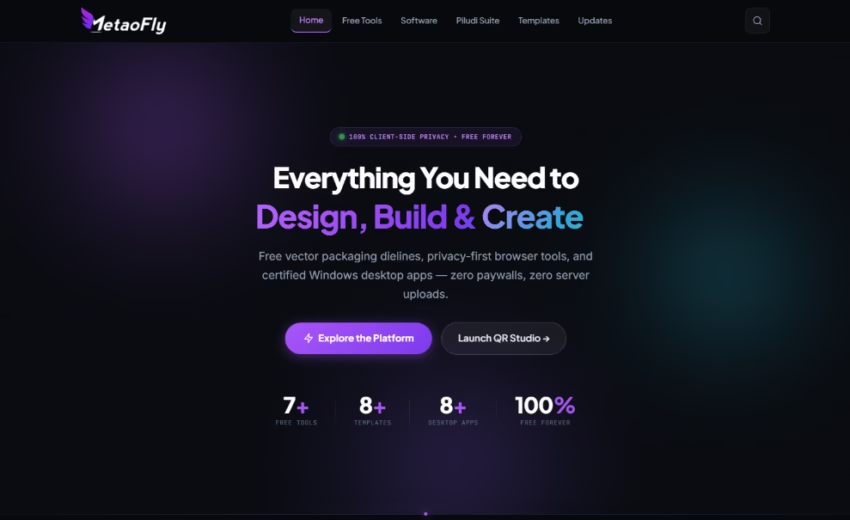
MetaoFly consolidates all of these scattered utilities into a single, cohesive platform. Built by DesignoFly — a design agency with 9+ years of experience and over 7,800+ completed projects — MetaoFly is not a theoretical concept or a minimum viable product. It is a fully operational creative suite comprising 7+ browser-based tools, 8+ certified desktop applications (the Piludi Suite), and a growing library of professional template downloads including packaging dielines, vector assets, and design resources.
The platform operates under a clear philosophy: 100% free to use, zero paywalls, and complete client-side data privacy. Your files are processed entirely within your browser or your local machine. Nothing is uploaded to any server. Nothing is stored. Nothing is tracked. This is the creative toolkit that respects your workflow, your data, and your budget.
“MetaoFly was born from our own frustration. As a design agency handling thousands of projects, we needed tools that were fast, private, and genuinely free. When we couldn’t find them, we built them.” — DesignoFly Team
7+ Free Browser Tools: Professional-Grade Utilities That Run Entirely on Your Device
Every browser tool on MetaoFly is engineered to run 100% client-side. This means the moment you open a tool in your browser, all processing happens directly on your computer using JavaScript, WebAssembly, and Canvas APIs. Your files, images, and data never leave your machine — not even temporarily. There is no server queue, no upload progress bar, and no file size restriction imposed by bandwidth. Here is a detailed breakdown of every tool currently available:
1. Pro QR Code Studio — Advanced QR Code Generator
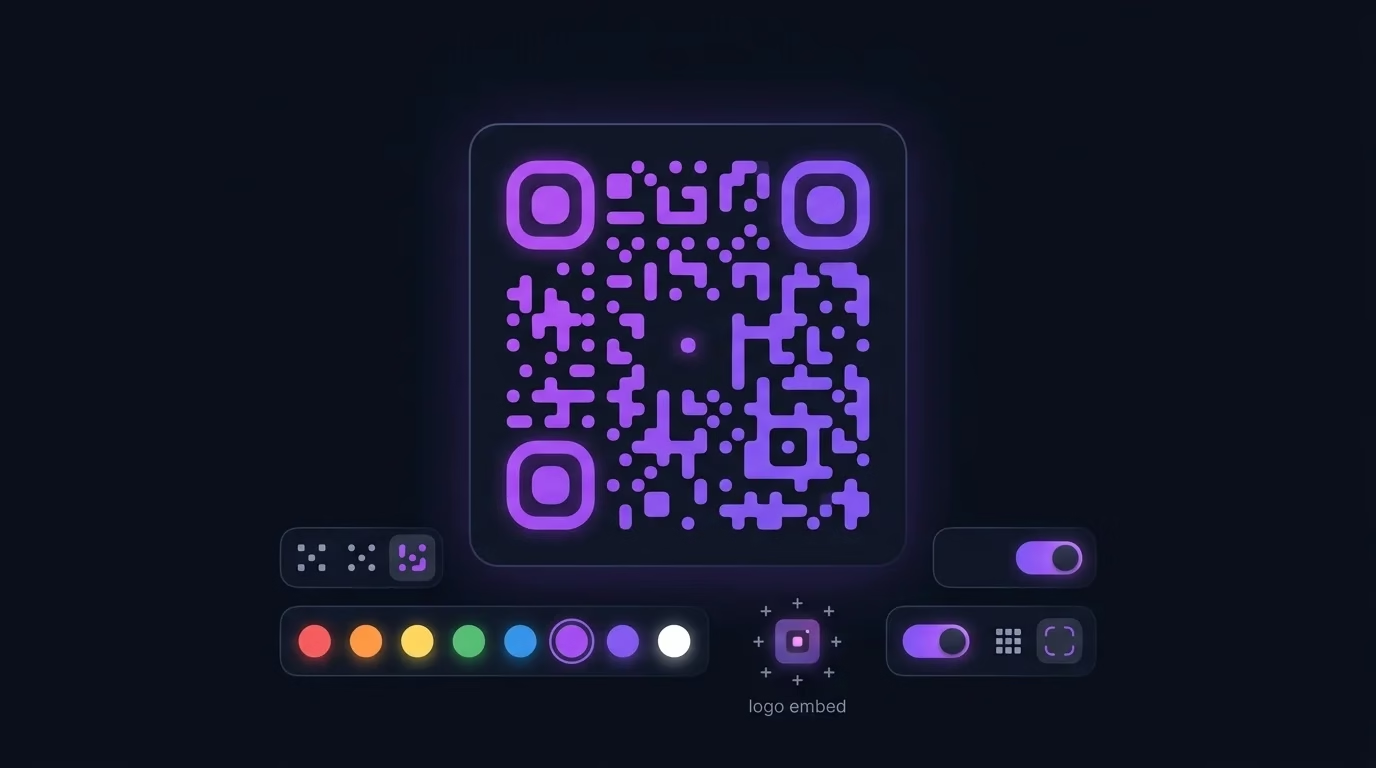
The Pro QR Code Studio is far more than a basic QR code generator. It is a full-featured design studio that allows you to create highly customized, brand-aligned QR codes suitable for professional print materials, product packaging, restaurant menus, event tickets, and digital marketing campaigns. Unlike generic QR generators that produce plain black-and-white squares, MetaoFly’s QR Studio gives you complete control over foreground and background colors, corner radius styling, embedded logo placement, error correction levels (L, M, Q, H), and output resolution. You can generate QR codes for URLs, plain text, Wi-Fi credentials, vCard contact information, email addresses, phone numbers, and SMS messages. Every QR code is generated instantly in your browser with zero server communication, and you can download the result as a high-resolution PNG image ready for both screen and print production.
2. MetaoFly PDF Suite — Complete PDF Toolkit
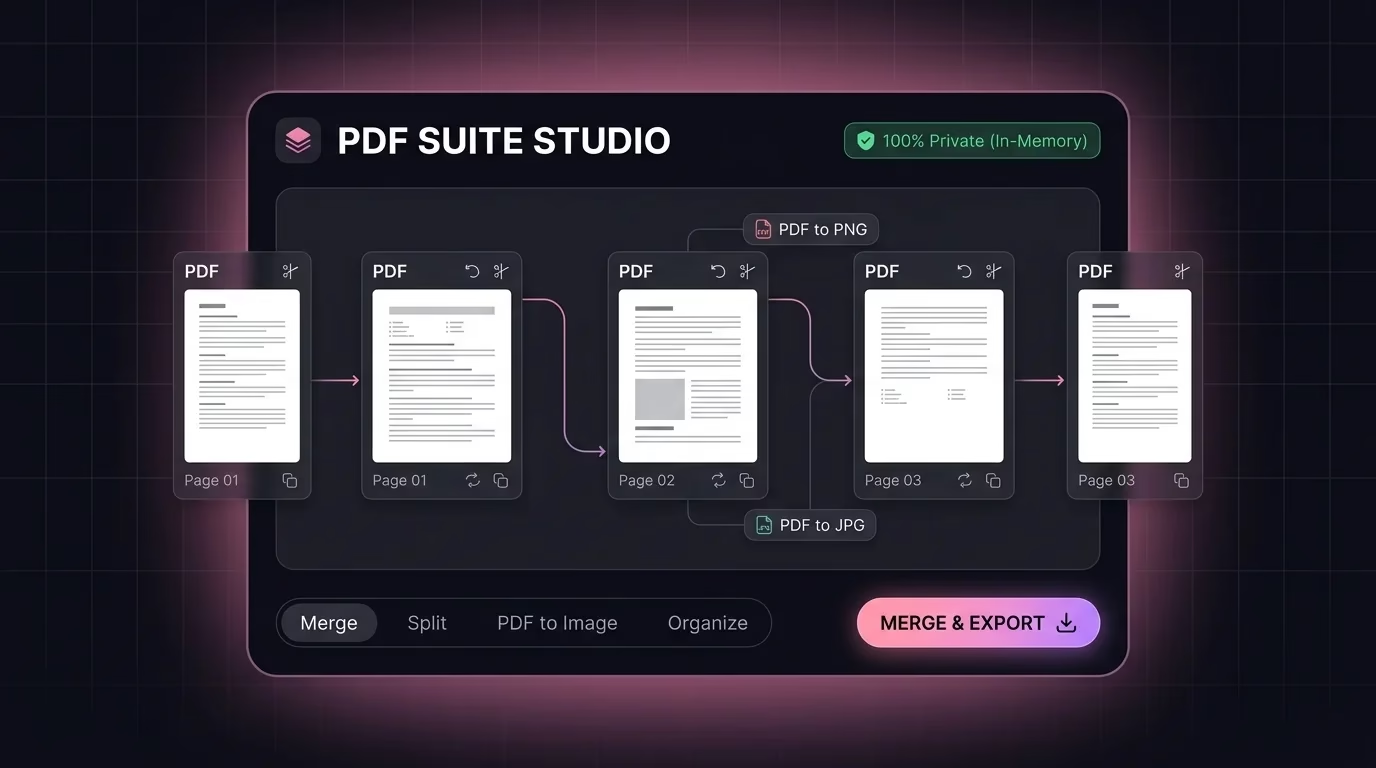
The MetaoFly PDF Suite is an all-in-one PDF processing powerhouse that handles the most common document manipulation tasks professionals face daily. You can merge multiple PDF files into a single document, split large PDFs into individual pages or custom page ranges, compress PDFs for email-friendly file sizes, convert PDF pages to high-quality images, and extract text content from scanned or digital PDFs. The suite also supports PDF-to-Word conversion for document editing workflows. What makes this tool exceptional is that every operation runs entirely inside your browser. Your confidential contracts, financial documents, legal agreements, and client presentations are never uploaded to any external server. This makes MetaoFly’s PDF Suite particularly valuable for law firms, accounting practices, healthcare organizations, and any professional handling sensitive documentation where data privacy is non-negotiable.
3. Image Converter & Compressor — Batch Image Processing
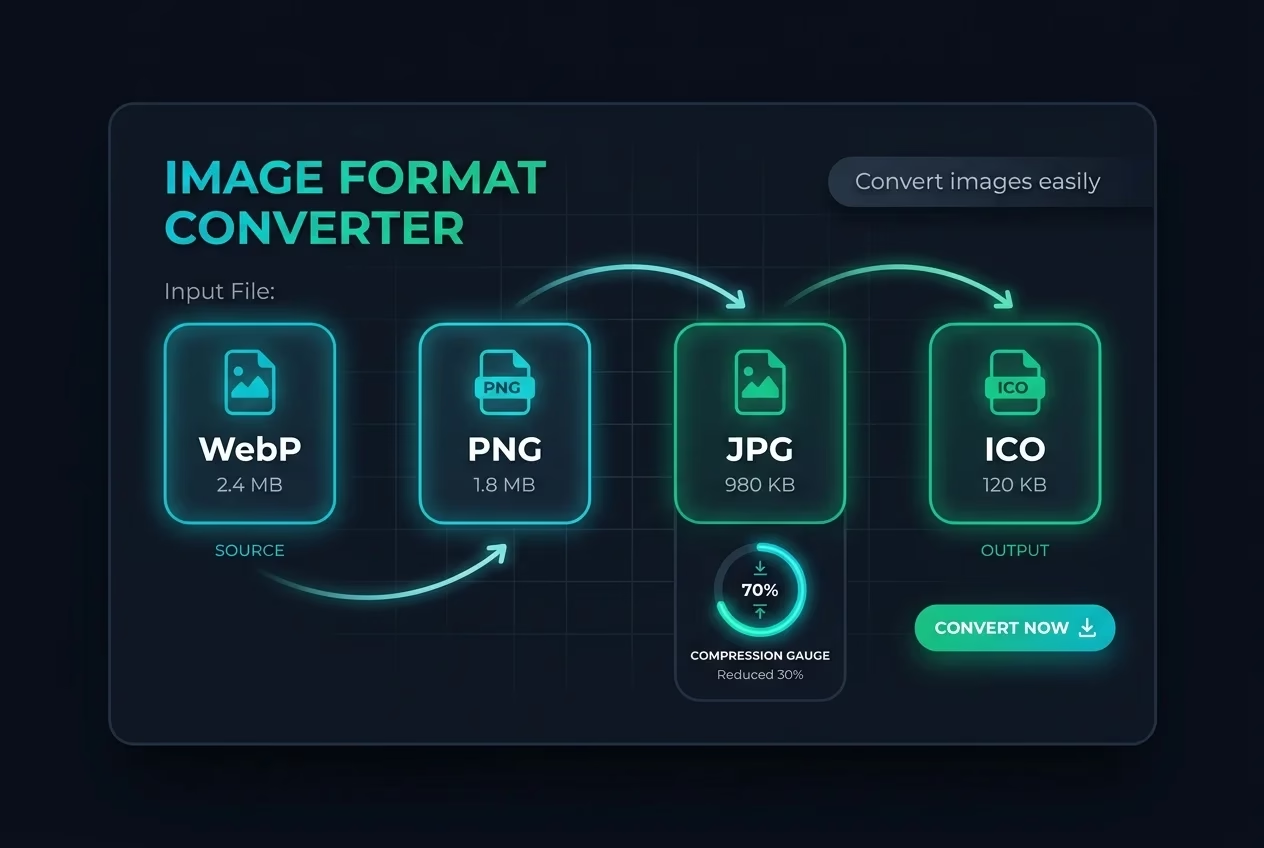
Web performance optimization begins with properly formatted and compressed images. MetaoFly’s Image Converter and Compressor allows you to convert images between all major formats including PNG, JPEG, WebP, AVIF, BMP, GIF, ICO, and TIFF. Beyond simple format conversion, the tool provides intelligent compression controls that let you adjust quality levels to achieve the optimal balance between visual fidelity and file size reduction. This is critical for web developers, e-commerce managers, and content creators who need to deliver fast-loading pages without sacrificing image quality. The tool supports batch processing, allowing you to drag and drop multiple images simultaneously and process them all in a single operation. Whether you are preparing product photography for an online store, optimizing blog post images for Core Web Vitals compliance, or converting screenshots for documentation — this tool handles it all instantly, directly in your browser, with no file uploads required.
4. Social Media Image Resizer — Platform-Perfect Dimensions
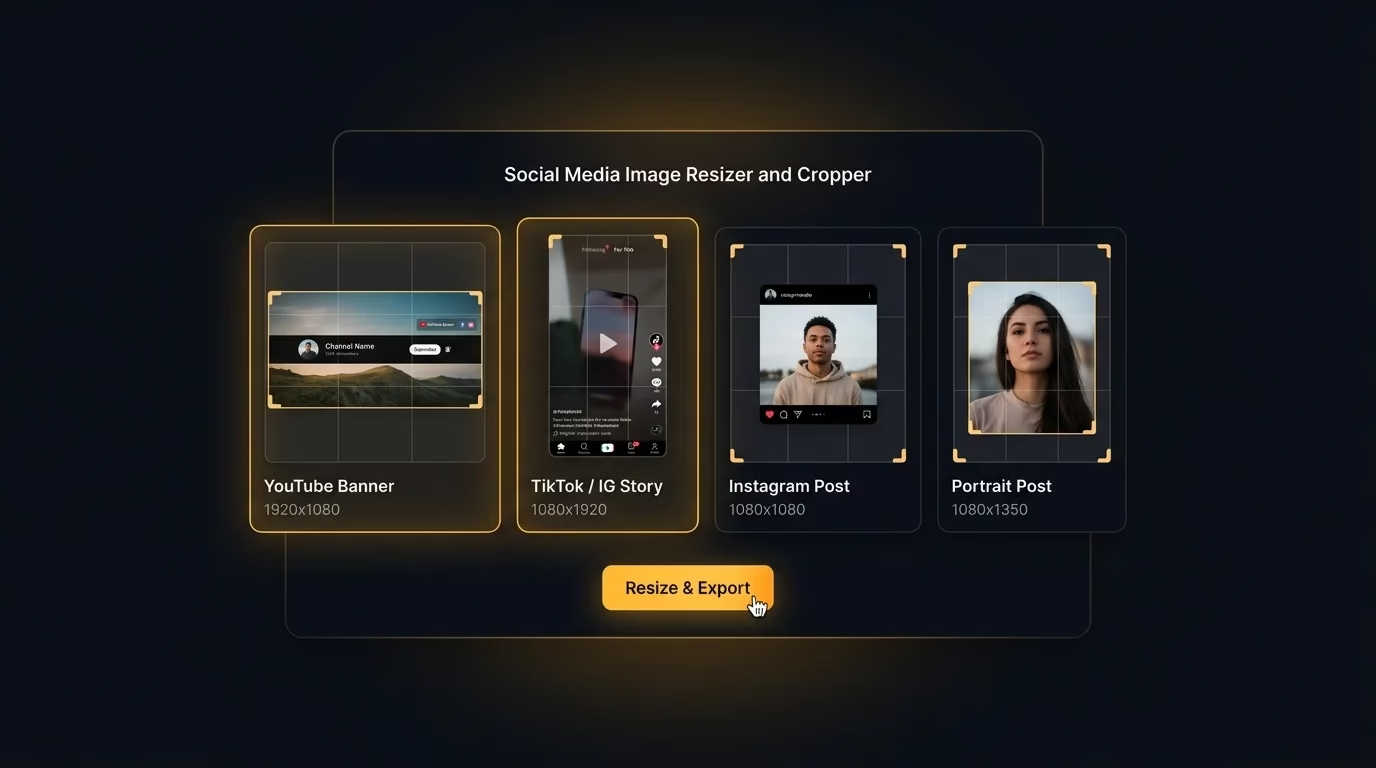
Every social media platform enforces specific image dimension requirements for profile pictures, cover photos, story formats, feed posts, and advertising creatives. Getting these dimensions wrong results in awkward cropping, pixelated visuals, and unprofessional brand representation. MetaoFly’s Social Media Image Resizer eliminates this guesswork entirely. The tool comes pre-loaded with the exact pixel dimensions for every major platform — Facebook, Instagram, X (formerly Twitter), LinkedIn, YouTube, Pinterest, TikTok, and Snapchat. Simply upload your image, select your target platform and placement type, and the tool automatically crops and resizes your image to the precise specifications required. The resizer intelligently handles aspect ratio conversions and allows you to preview the result before downloading. This is an indispensable tool for social media managers, digital marketing agencies, content creators, and brand teams who publish across multiple platforms daily and cannot afford to manually calculate pixel dimensions for every post.
5. Color Palette & Contrast Extractor — Instant Color Intelligence
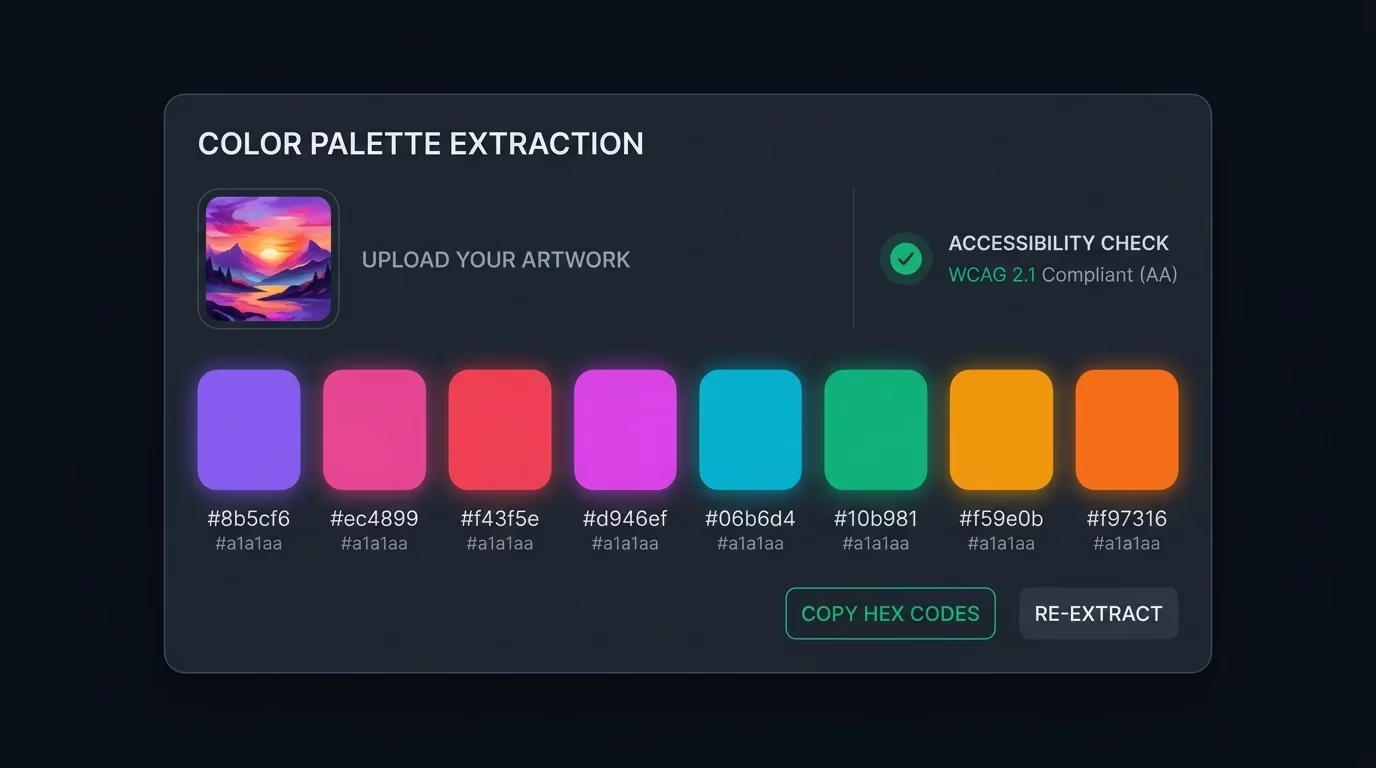
Color is the foundation of every visual identity, and extracting accurate color palettes from reference images is a fundamental part of the design workflow. MetaoFly’s Color Palette and Contrast Extractor analyzes any uploaded image and automatically identifies the dominant colors, generating a complete palette with HEX, RGB, and HSL values ready for use in CSS, design software, or brand guidelines documentation. Beyond basic extraction, the tool evaluates WCAG contrast ratios between color pairs, ensuring your chosen combinations meet accessibility standards for text readability (AA and AAA compliance levels). This dual functionality — palette generation plus accessibility validation — makes it invaluable for UI/UX designers, brand identity specialists, and web developers who need to ensure their color choices are both aesthetically compelling and legally compliant with digital accessibility requirements. As we discussed in our comprehensive brand colors guide, the strategic use of color is one of the most powerful tools in commercial branding.
6. Device Screen Mockup Studio — Professional Presentation Frames
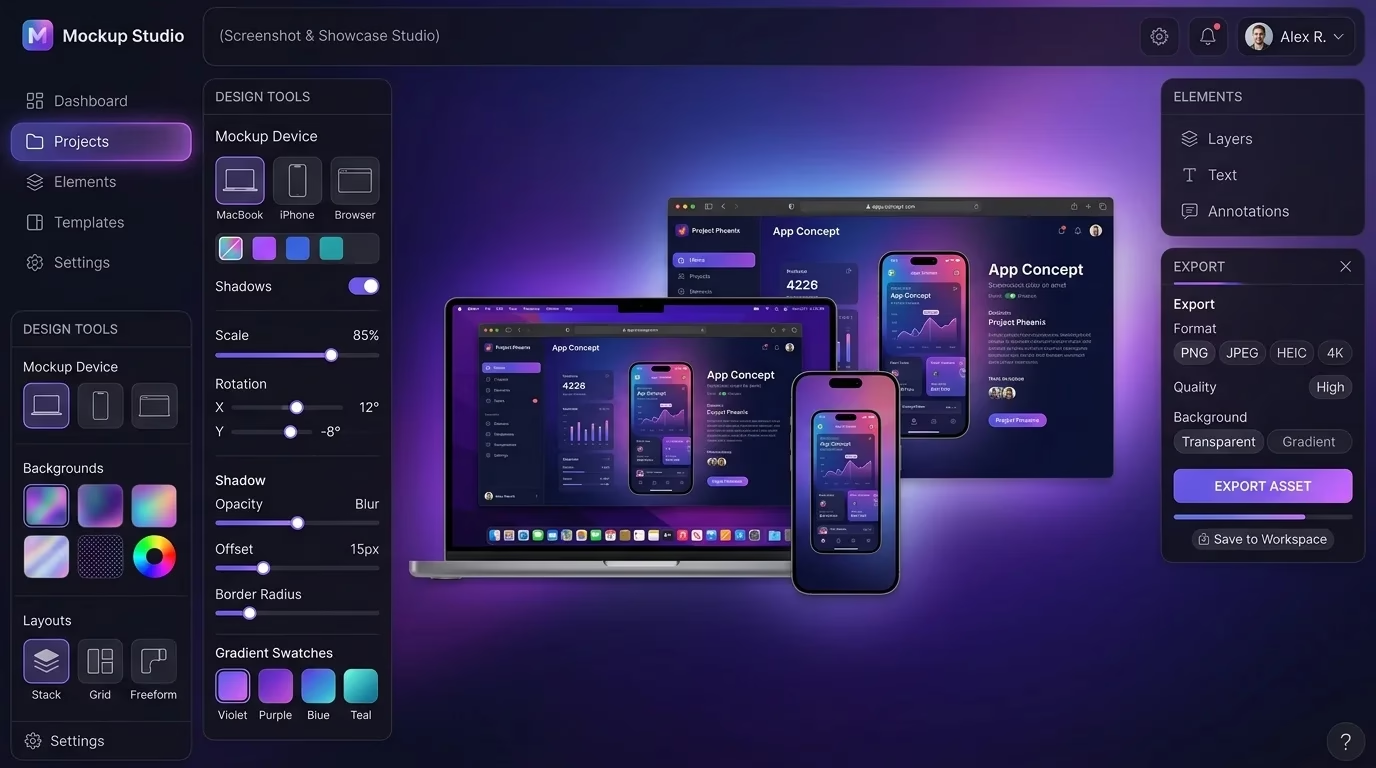
Presenting your designs, websites, and applications within realistic device frames dramatically elevates the perceived quality and professionalism of your portfolio, case studies, pitch decks, and client presentations. MetaoFly’s Device Screen Mockup Studio allows you to place any screenshot or design into photorealistic device frames including iPhones, Android smartphones, iPads, MacBooks, desktop monitors, and laptop screens. The tool supports multiple device colors, orientations (portrait and landscape), and background customization options. You simply upload your screenshot, select a device frame, and download a polished, presentation-ready mockup image in seconds. This entirely replaces the need for expensive Photoshop mockup templates or complex 3D rendering workflows. Freelancers, agencies, and SaaS companies use this tool daily to create professional portfolio presentations, app store screenshots, social media promotional visuals, and investor pitch materials — all without any design software installation.
7. Glassmorphism UI Studio — Modern CSS Visual Effects Generator
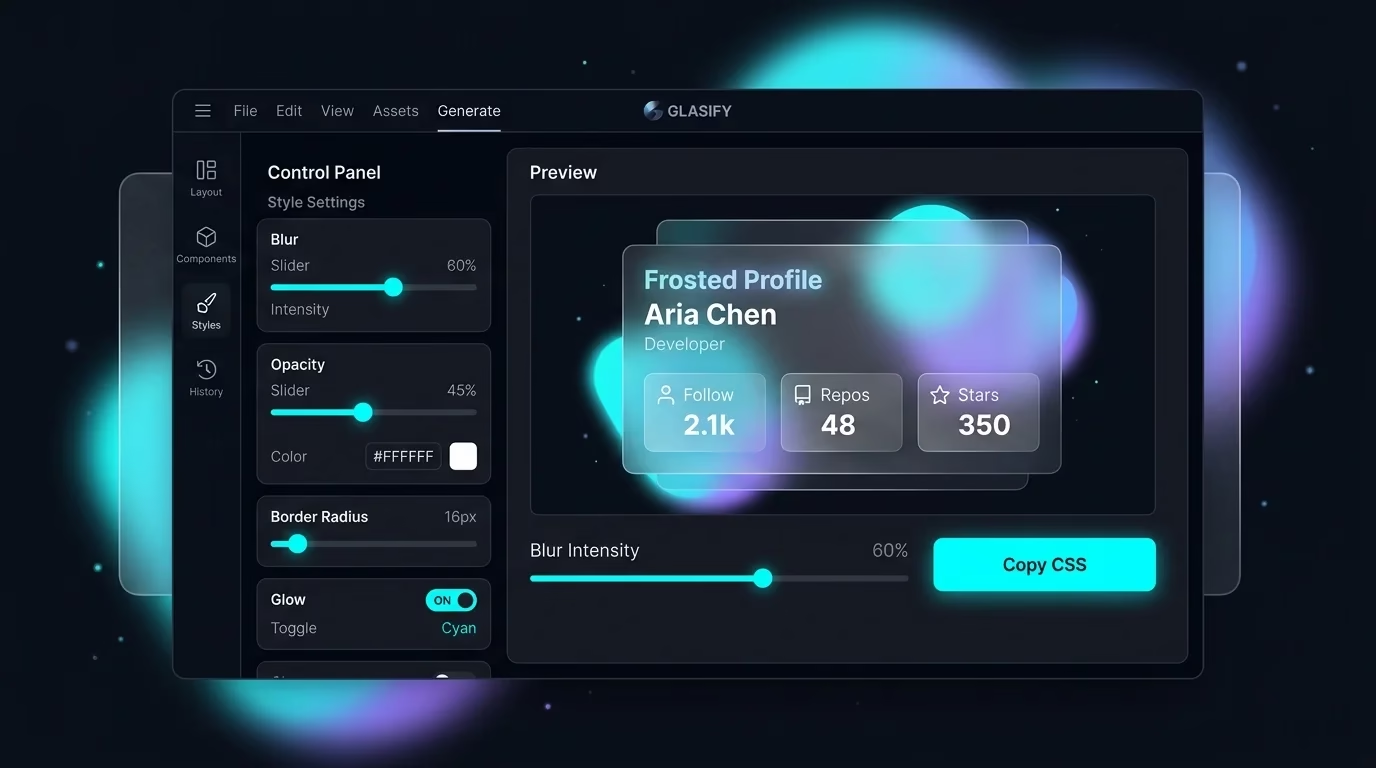
Glassmorphism has become one of the most sought-after UI design trends in modern web and app interfaces, characterized by frosted glass effects, background blur, transparency layering, and subtle border highlights. MetaoFly’s Glassmorphism UI Studio provides a real-time visual editor where you can fine-tune every parameter of the glassmorphism effect — blur intensity, background opacity, border radius, shadow depth, tint color, and border styling — while watching the result update live in the preview panel. Once you have achieved your desired effect, the tool generates production-ready CSS code that you can copy directly into your stylesheet. This eliminates hours of manual CSS experimentation and ensures cross-browser compatibility. Front-end developers, UI designers, and product teams use this tool to rapidly prototype modern interfaces, create stunning hero sections, design card components, and build modal overlays that follow current design system trends established by platforms like Apple, Microsoft, and Google.
8+ Free Desktop Software: The Piludi Suite & CleanoFly for Windows
While browser tools are ideal for quick, lightweight tasks, professional-grade media conversion, system maintenance, and batch file processing demand the full power of a native desktop application. MetaoFly’s desktop software collection — anchored by the Piludi Suite — delivers certified Windows applications that install locally, process files offline without any internet dependency, and never transmit your data anywhere. Every application in the Piludi Suite is built for speed, privacy, and professional output quality. Here is a detailed look at each application:
1. Piludi — Video Converter
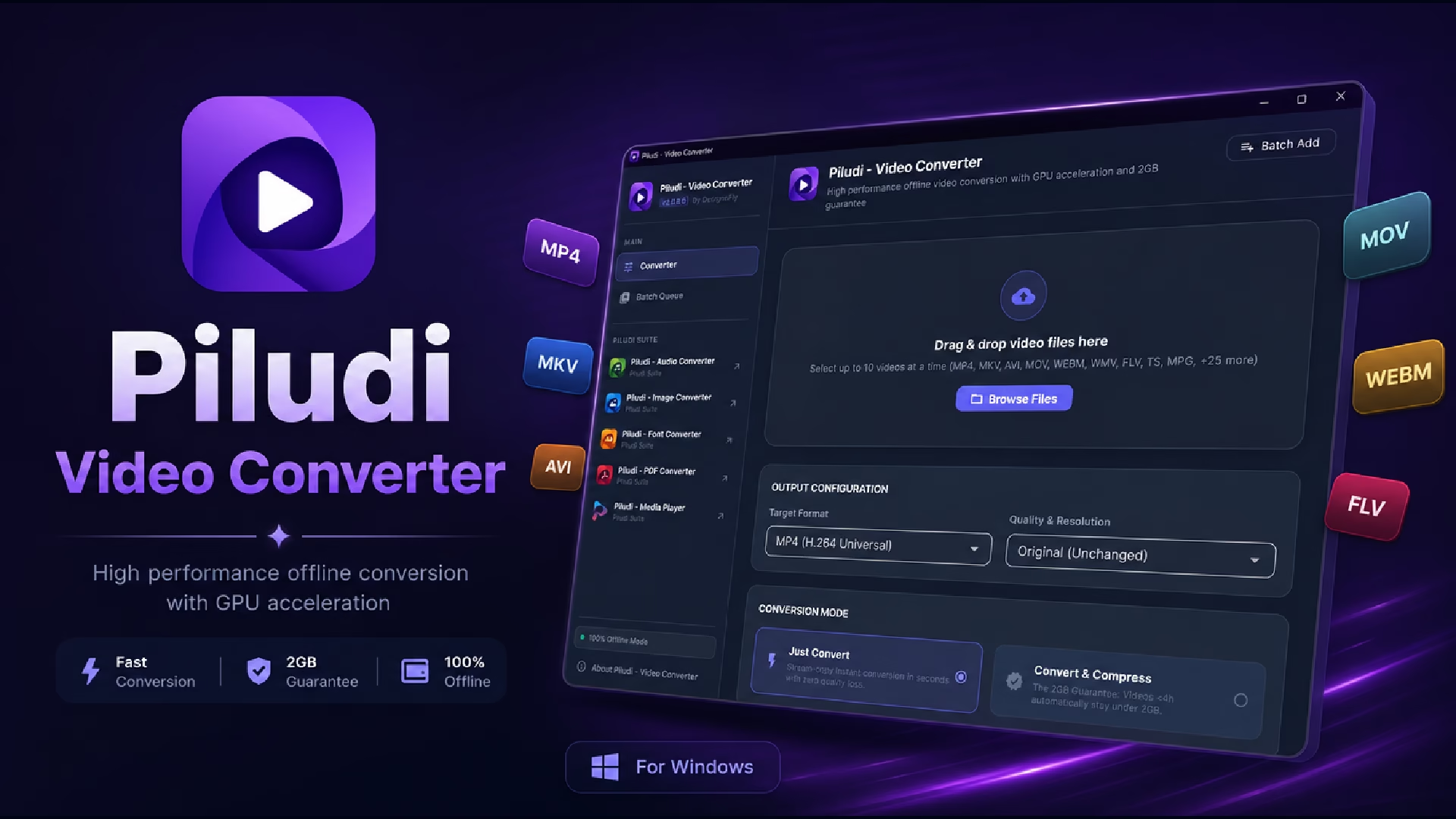 Piludi Video Converter is a powerful, offline Windows application designed for converting video files between all major formats including MP4, AVI, MKV, MOV, WMV, FLV, WebM, and more. The application provides granular control over output settings including codec selection, bitrate adjustment, resolution scaling, frame rate configuration, and aspect ratio management. Whether you are a video editor preparing deliverables for different platforms, a content creator optimizing video for social media upload requirements, or a business professional converting presentation recordings for internal distribution — Piludi Video Converter handles every scenario with professional-grade accuracy. All conversion happens locally on your machine, ensuring your proprietary video content, client presentations, and confidential recordings are never exposed to cloud-based processing services. The application supports batch conversion, allowing you to queue multiple files and process them sequentially without manual intervention.
2. CleanoFly — C Drive Cleaner & System Optimizer
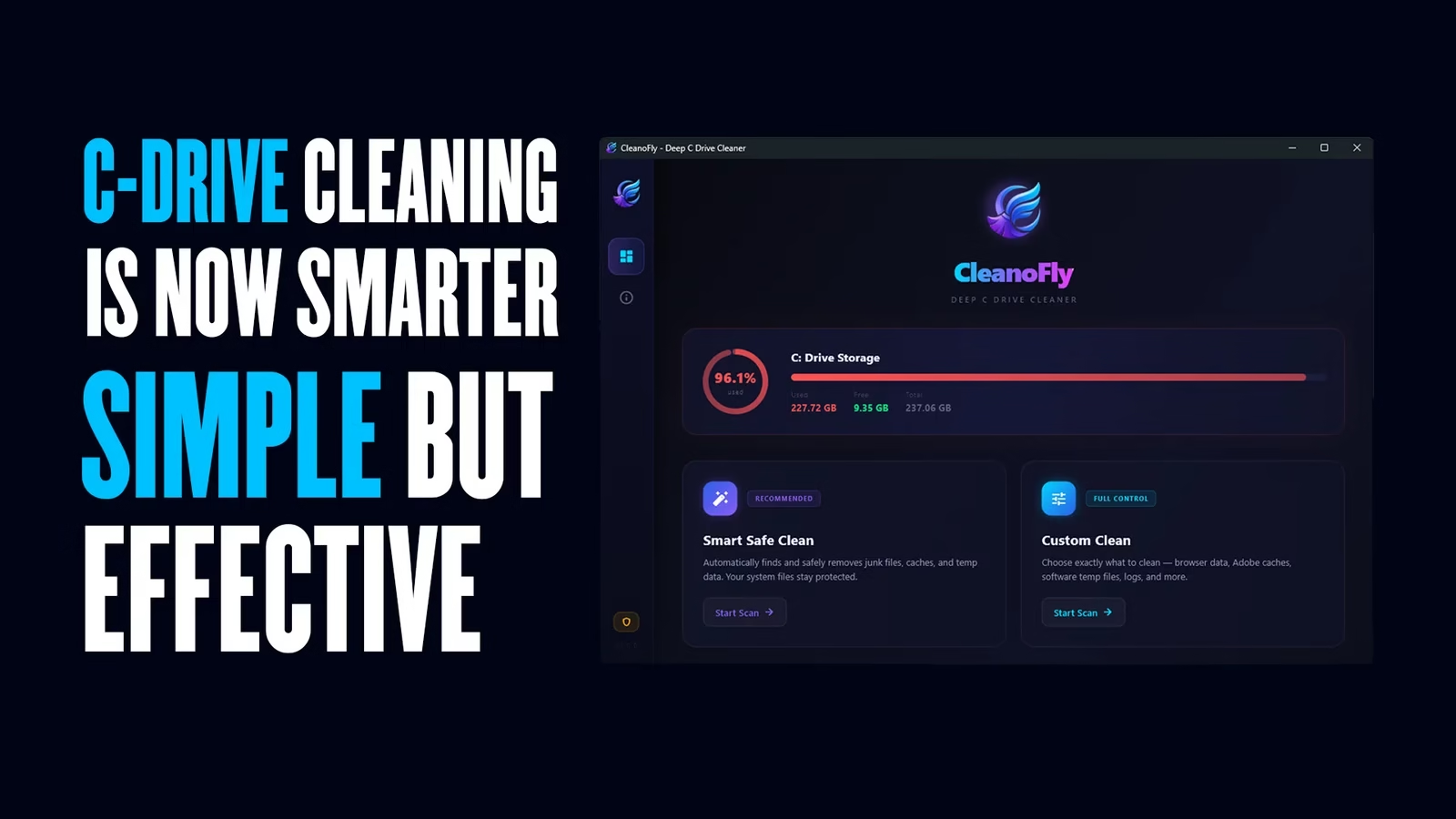
CleanoFly is a dedicated Windows system utility designed to reclaim wasted disk space on your C: drive by intelligently identifying and removing temporary files, cached data, orphaned system files, Windows update residues, browser caches, and other digital clutter that accumulates over time and degrades system performance. Unlike bloated system cleaners that bundle unwanted adware or push unnecessary registry modifications, CleanoFly focuses exclusively on safe, verified cleanup operations that free up genuine disk space without risking system stability. The application provides a clear visual breakdown of recoverable space by category before any deletion occurs, giving you full transparency and control over what gets removed. For designers and developers running resource-intensive software like Adobe Creative Suite, Visual Studio, or video editing platforms, maintaining adequate free space on the system drive is critical for application performance, virtual memory allocation, and project cache efficiency. CleanoFly solves this with a single-click optimization workflow.
3. Piludi — Audio Converter
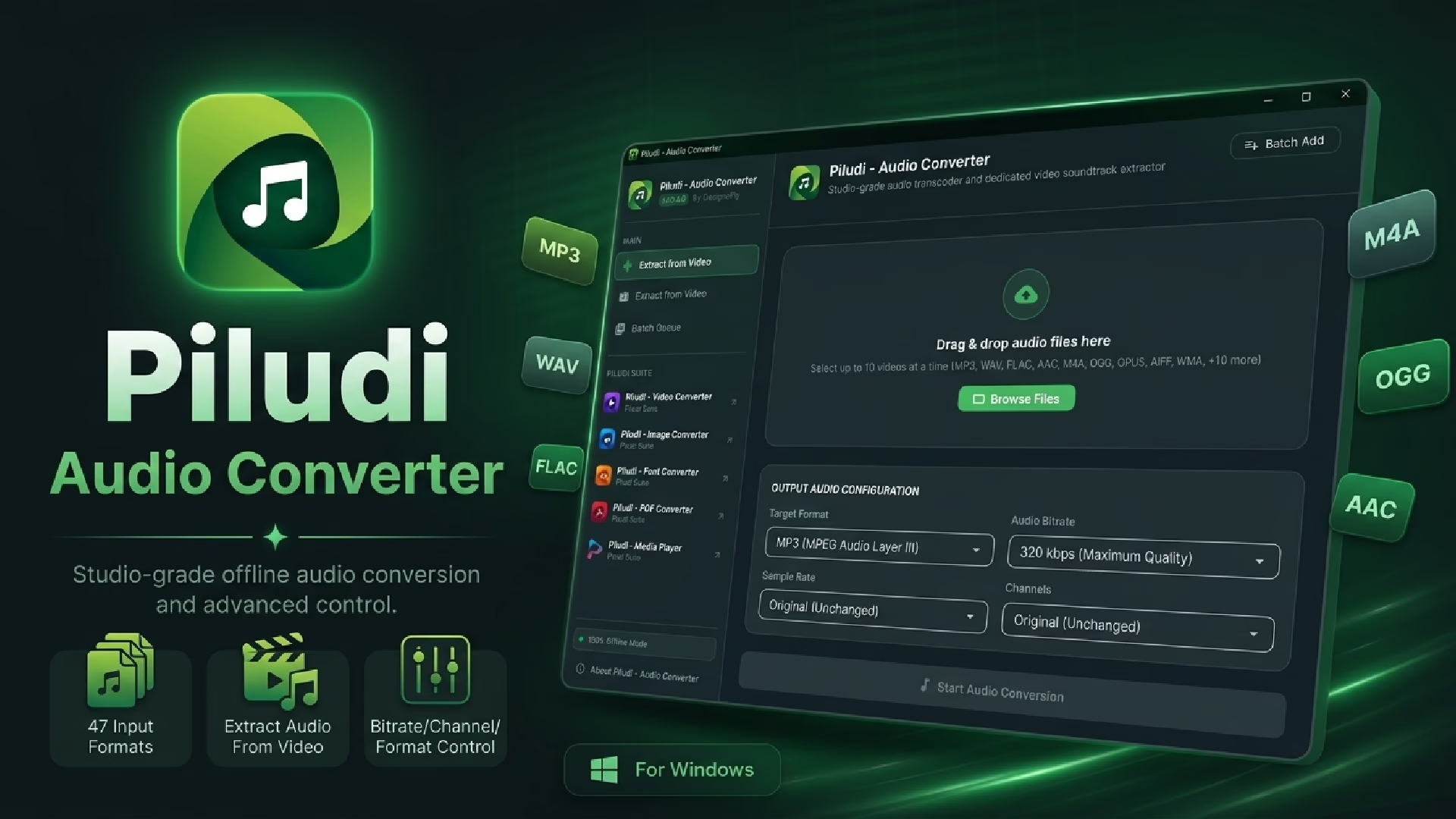
The Piludi Audio Converter enables seamless conversion between all popular audio formats including MP3, WAV, FLAC, AAC, OGG, WMA, M4A, and AIFF. This is essential for musicians, podcast producers, voice-over artists, and audio engineers who regularly need to deliver audio in specific formats required by different platforms, clients, or distribution channels. The application preserves audio quality through intelligent codec handling and provides adjustable bitrate, sample rate, and channel configuration options for professional-grade output. Batch processing allows you to convert entire album collections, podcast episode archives, or project audio assets in a single operation. All processing runs locally on your Windows machine — your unreleased music, client voice recordings, and proprietary audio content remains completely private and never touches any external server.
4. Piludi — Image Converter
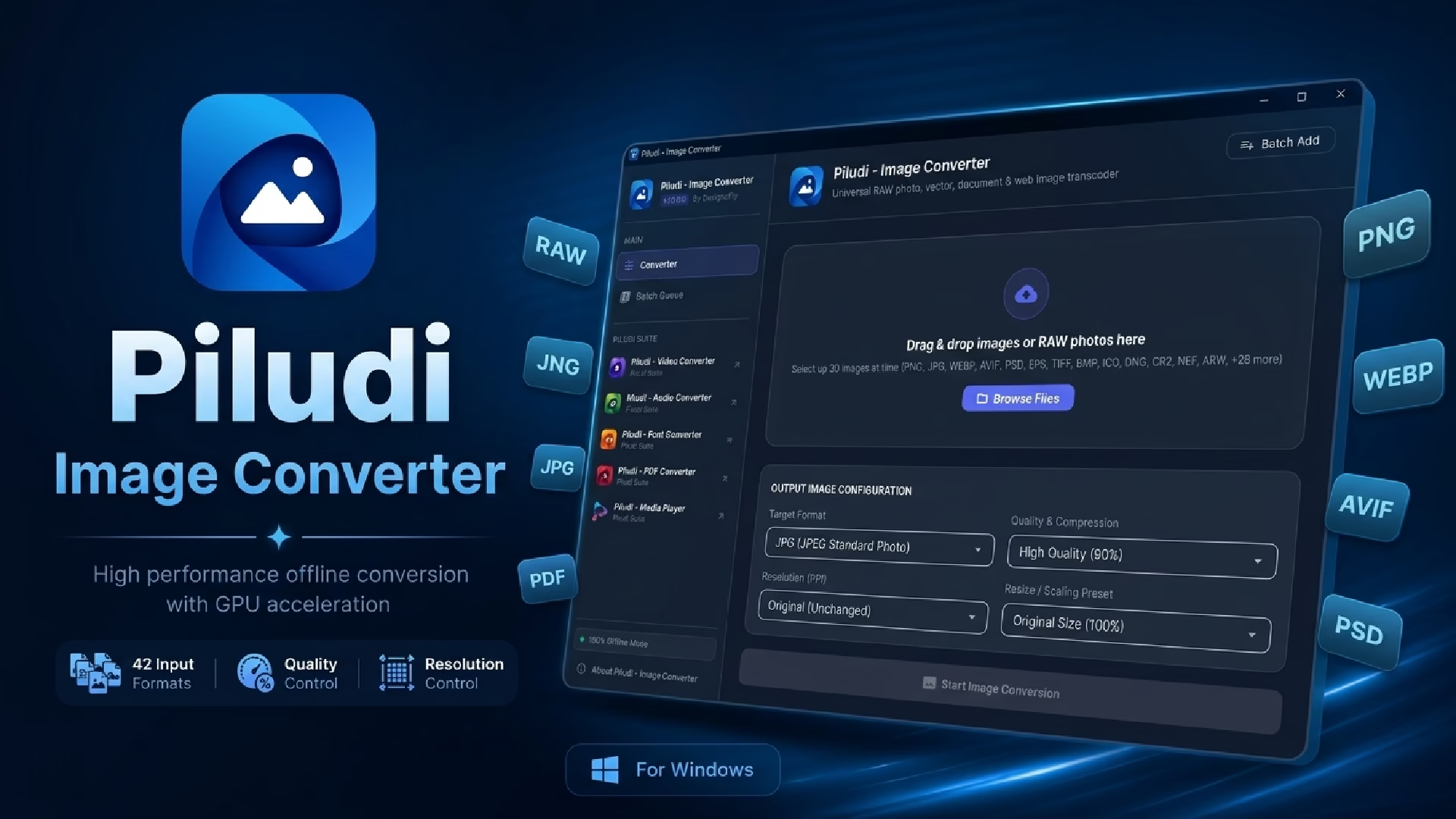
While MetaoFly’s browser-based image converter handles quick web-friendly conversions, the Piludi Image Converter desktop application is built for heavy-duty, bulk image processing that demands native system performance. It supports conversion across an extensive range of formats including PNG, JPEG, WebP, AVIF, TIFF, BMP, GIF, ICO, SVG, HEIC, and RAW camera formats. The desktop application excels at processing large batches of high-resolution images — such as product photography shoots containing hundreds of RAW files — with consistent quality settings and predictable output. Professional photographers, e-commerce operations, print houses, and design agencies that regularly handle large-volume image processing workflows will find the desktop converter significantly faster and more reliable than browser-based alternatives for these intensive use cases.
5. Piludi — PDF Converter
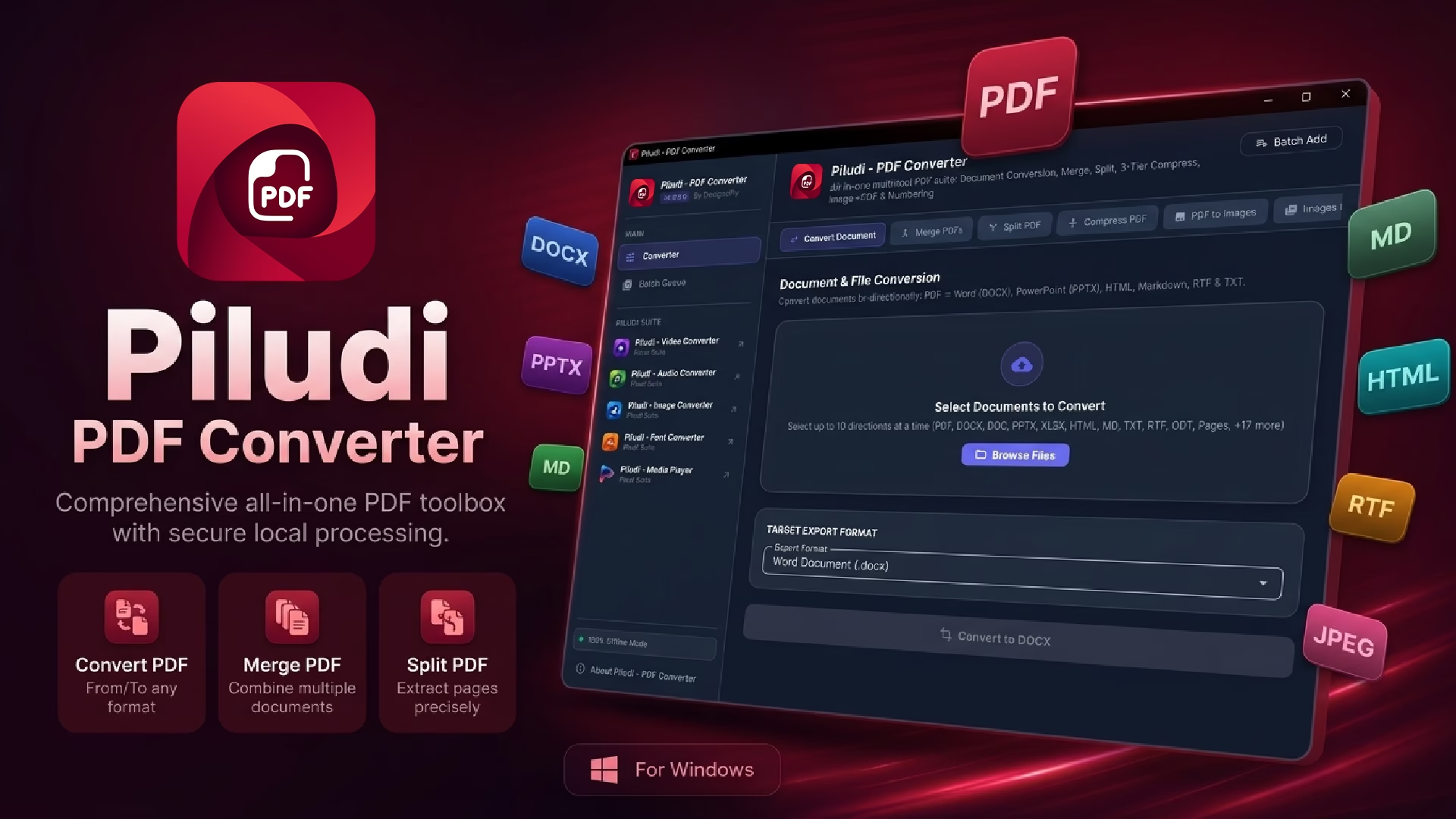
The Piludi PDF Converter is a dedicated desktop application for converting documents to and from PDF format with professional precision. It handles PDF-to-Word, PDF-to-image, image-to-PDF, Word-to-PDF, and multi-page document assembly workflows. For legal professionals, real estate agents, insurance providers, and corporate offices that process dozens of PDF documents daily, having a reliable offline converter eliminates dependency on internet-based conversion services that often impose file size limits, watermark outputs, or require paid subscriptions for basic functionality. The application maintains document formatting integrity during conversion, preserves embedded fonts and vector graphics, and supports password-protected PDF processing. All document conversion occurs entirely on your local machine, making it fully compliant with data handling policies that prohibit uploading sensitive documents to third-party cloud services.
6. Piludi — Ebook Converter
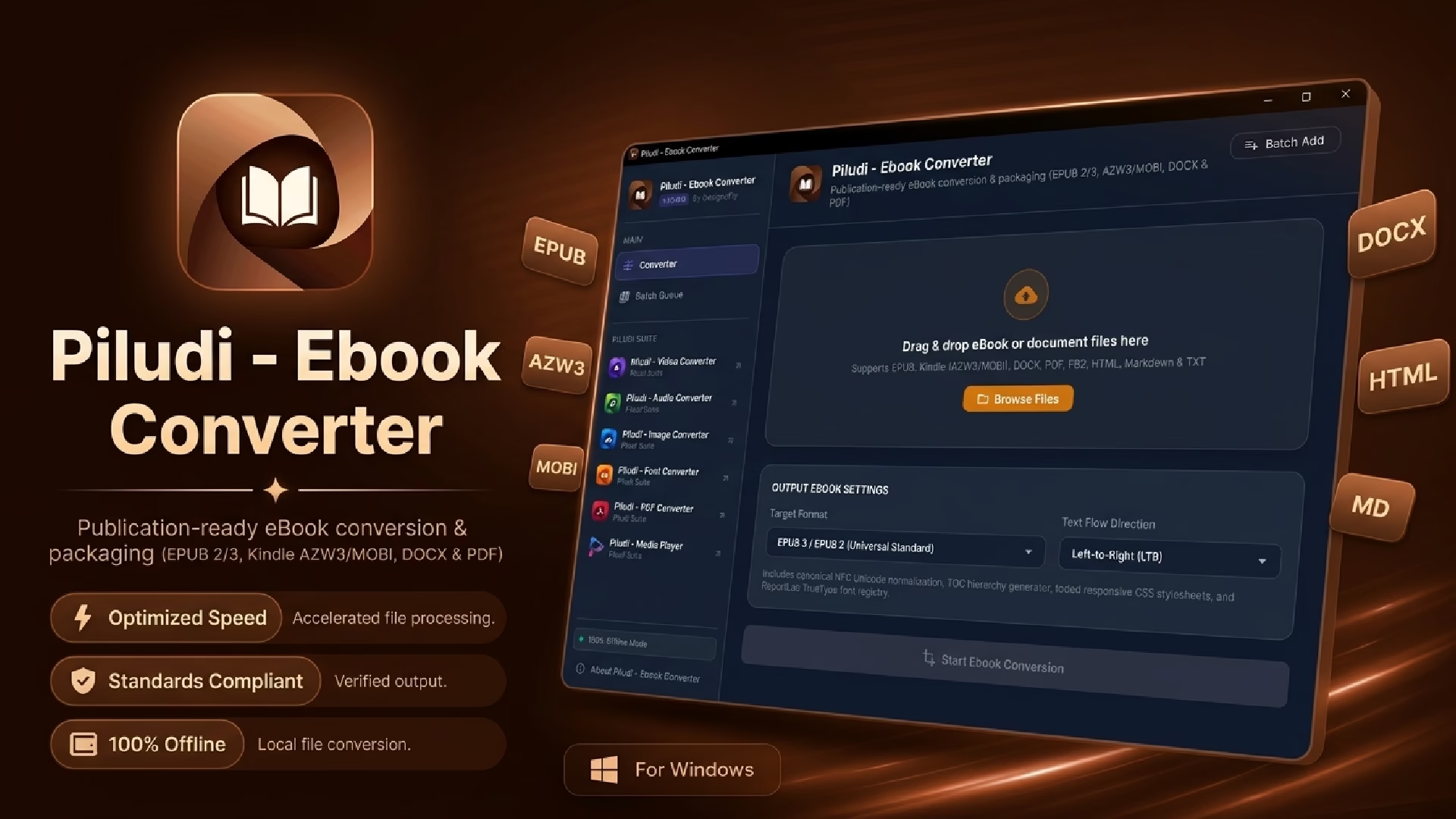
The Piludi Ebook Converter bridges the gap between different digital publishing formats, enabling conversion between EPUB, MOBI, PDF, AZW3, FB2, and other ebook standards. Authors, publishers, digital librarians, and self-publishing professionals need to distribute their content across multiple reading platforms — Amazon Kindle, Apple Books, Google Play Books, Kobo, and various e-reader devices — each of which may require a different file format. The Piludi Ebook Converter streamlines this multi-format publishing workflow by converting a single source document into all required output formats while preserving chapter structure, table of contents, embedded images, and text formatting. The converter runs entirely offline on your Windows machine, ensuring your unpublished manuscripts, proprietary educational content, and copyrighted literary works remain completely secure during the conversion process.
7. Piludi — Font Converter
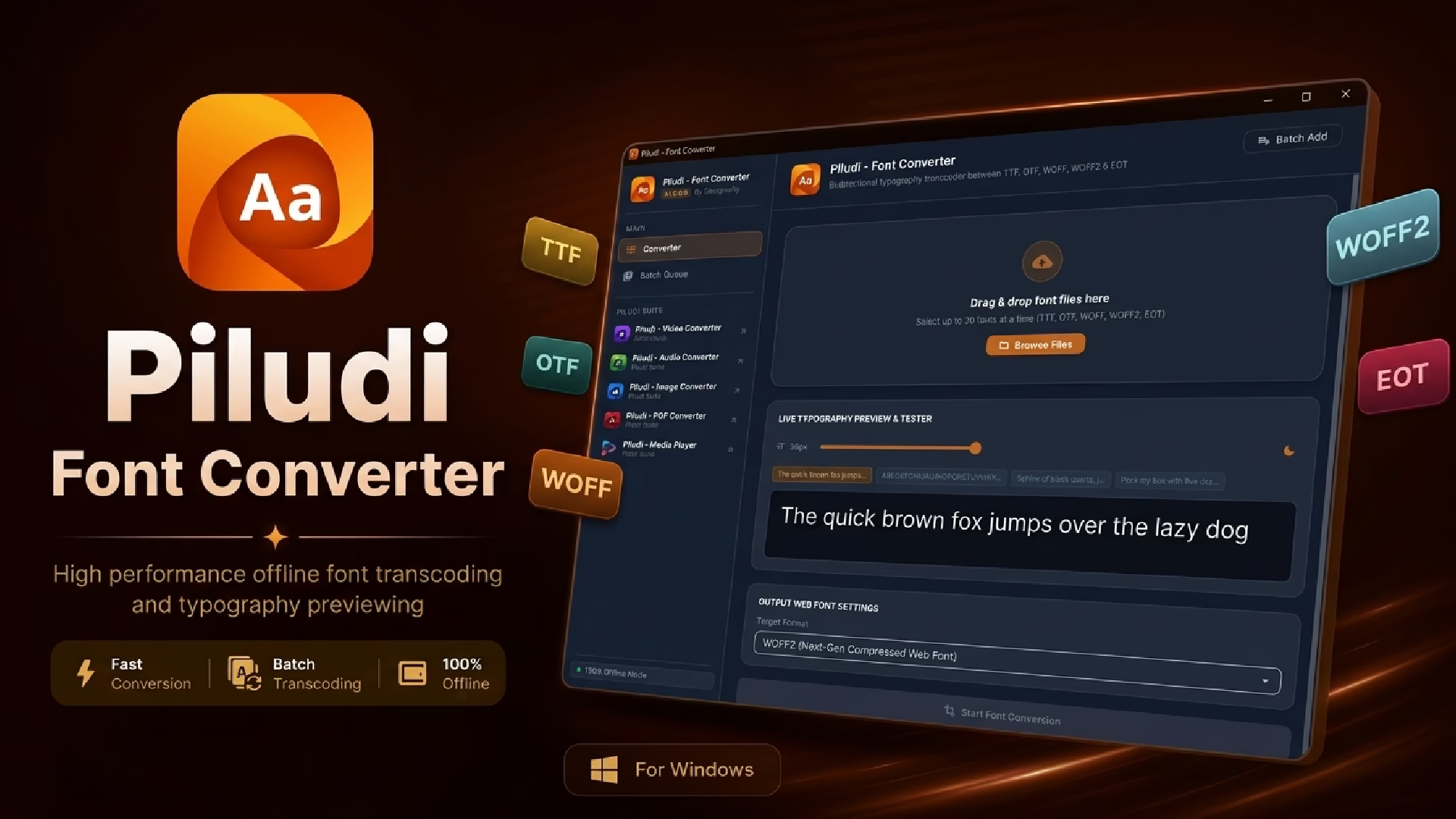
Typography is the backbone of professional design, and working with fonts across different platforms and applications often requires converting between font file formats. The Piludi Font Converter supports seamless conversion between TTF (TrueType), OTF (OpenType), WOFF (Web Open Font Format), WOFF2, EOT, and SVG font formats. Web developers need WOFF2 files for optimal web font performance, graphic designers may need OTF or TTF for desktop design applications, and legacy systems sometimes require EOT format for Internet Explorer compatibility. The font converter handles all of these cross-format requirements with precision, preserving glyph integrity, kerning tables, hinting data, and font metadata throughout the conversion process. For type foundries, design agencies, and web development studios that work extensively with custom typography, this converter eliminates manual workarounds and ensures consistent font rendering across all target platforms.
8. Piludi — Media Player
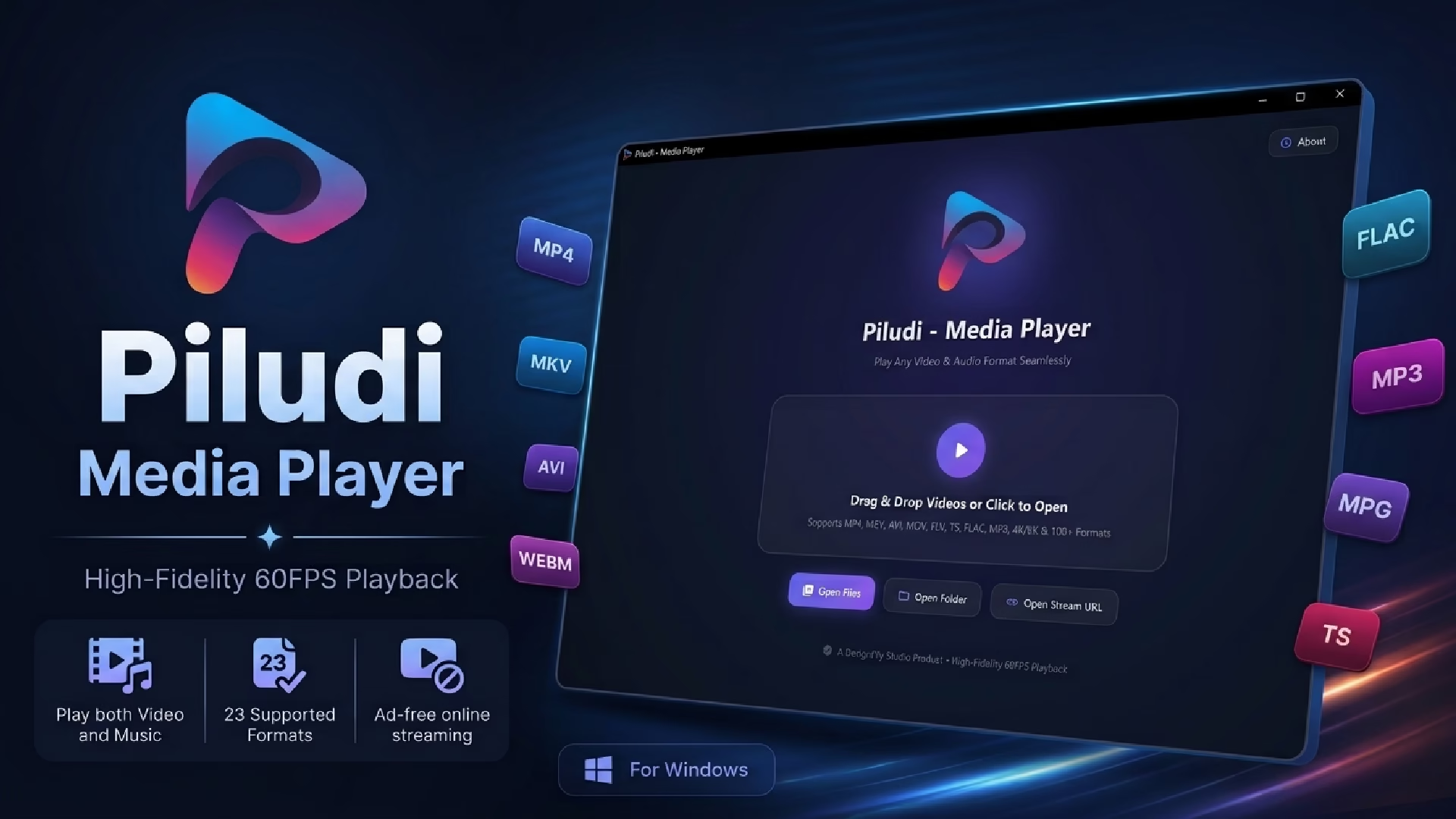
Rounding out the Piludi Suite is the Piludi Media Player, a lightweight yet capable media playback application for Windows that supports an extensive range of video and audio formats out of the box — MP4, AVI, MKV, MOV, WMV, FLV, MP3, FLAC, WAV, OGG, and many more. Unlike bloated media players that bundle unnecessary features, browser toolbars, or advertising, the Piludi Media Player focuses on clean, distraction-free playback with essential controls including playlist management, subtitle support, playback speed adjustment, and audio equalization. For creative professionals who regularly preview video deliverables, review client footage, listen to audio mixes, or simply need a reliable media player that does not compromise system performance or privacy — Piludi Media Player delivers a polished, professional playback experience without any hidden costs or data collection.
Free Template Downloads: Professional Vector Assets for Designers and Businesses
Commercial-Ready Packaging Dielines & Vector Templates
MetaoFly’s template download library offers a curated collection of professional-grade vector templates, packaging dielines, and design resources that are completely free for both personal and commercial use. The collection includes industry-standard packaging dieline templates for various box structures — tuck-end boxes, mailer boxes, sleeve boxes, pillow boxes, display boxes, and more — complete with accurate cut lines, fold lines, bleed areas, and safety margins that can be sent directly to print production. These are not rough drafts or low-resolution previews; they are production-ready vector files (AI, EPS, SVG, PDF) created by experienced packaging designers who understand the precision requirements of commercial print manufacturing. Whether you are a packaging designer looking for a structural starting point, a startup creating your first product packaging, or a print house that needs reliable dieline references — this library eliminates the need to build common structures from scratch, saving hours of technical drawing time on every project.
Growing Resource Library: Design Assets Built for Real-World Projects
Beyond packaging dielines, MetaoFly’s download section is continuously expanding to include additional design resources, creative assets, and professional templates that serve the broader creative community. The library is curated by the DesignoFly team based on real-world project experience, meaning every template addresses an actual design workflow need rather than existing as generic filler content. The download process is straightforward — no account creation required, no email gate, no artificial download limits. Simply browse the collection, select the template you need, and download it instantly. This open-access philosophy reflects MetaoFly’s core commitment to removing unnecessary barriers between creative professionals and the resources they need to produce outstanding work.
Browse All Templates & Downloads →
Privacy First, Completely Secured: How MetaoFly Protects Your Data
In an era where most online tools quietly upload your files to remote servers for processing — often retaining copies, analyzing content, or selling usage data to third parties — MetaoFly takes a fundamentally different architectural approach. Every browser-based tool on MetaoFly processes your files entirely client-side. This is not a marketing tagline; it is a verifiable technical architecture. When you convert an image, generate a QR code, compress a PDF, or extract a color palette on MetaoFly, the processing happens inside your web browser using JavaScript, Web Workers, Canvas API, and WebAssembly modules. Your files never leave your device. There is no file upload endpoint, no temporary server storage, and no data transmission of any kind.
For the desktop applications in the Piludi Suite and CleanoFly, the same privacy-first principle applies at an even deeper level. These are native Windows applications that install locally and operate entirely offline. They do not require an internet connection to function, they do not phone home to any server, and they do not collect telemetry or usage analytics. Your video conversions, audio processing, document handling, and system cleanup operations happen exclusively on your hardware, under your complete control.
“Your data is your data. MetaoFly’s tools are engineered so that your files never leave your device — not even for a millisecond. Zero server uploads, zero cloud storage, zero data collection. This is privacy by architecture, not by policy.”
This privacy-first architecture makes MetaoFly particularly valuable for professionals and organizations operating under strict data handling requirements — GDPR-compliant European businesses, HIPAA-regulated healthcare providers, legal firms handling privileged communications, financial institutions processing sensitive documents, and government agencies with classified information protocols. When your processing tool never sees your data, compliance becomes inherent rather than aspirational.
The DesignoFly Advantage: Why MetaoFly is Built Different
MetaoFly is not built by a faceless tech startup chasing venture capital. It is built and maintained by DesignoFly — a design agency with 9+ years of professional experience, 7,800+ completed client projects, and a deep understanding of what creative professionals actually need in their daily workflows. Every tool on MetaoFly was born from real project requirements, tested against actual production scenarios, and refined based on the practical needs of working designers, developers, and content creators.
The platform is completely free to use with zero paywalls. There are no premium tiers, no usage limits hidden behind login walls, and no feature gating. MetaoFly provides equal access to every tool, every software application, and every template download for everyone — from individual freelancers to enterprise teams. This is the creative resource platform that the design industry deserves.
Explore MetaoFly → Visit DesignoFly →
Start Creating With MetaoFly Today
7+ free browser tools, 8+ desktop apps, and a growing template library — all free, all private, all yours. Built with 9+ years of design expertise by the DesignoFly team.


September 25, 2026